

Assistants
Control Spades Audio with Siri, Shortcuts, and AI apps.
1.Siri & Shortcuts
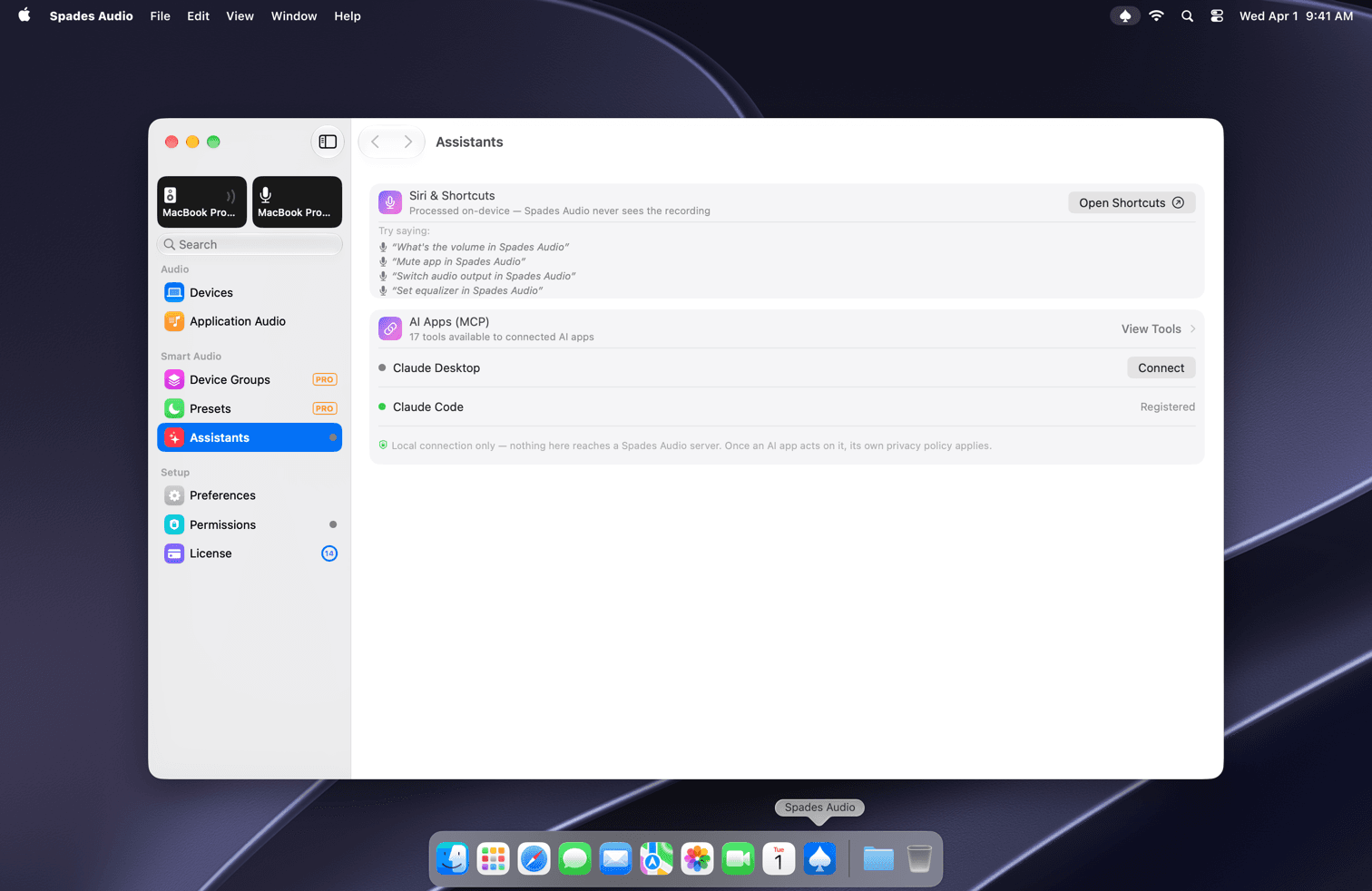
Choose Assistants under Smart Audio in the sidebar. Siri requests are processed on-device. Try "What's the volume in Spades Audio", "Mute app in Spades Audio", "Switch audio output in Spades Audio" or "Set equalizer in Spades Audio". Open Shortcuts lets you build your own automations.
2.AI apps (MCP)
Spades Audio gives connected AI apps a set of tools to read and change your audio. Claude Code is connected automatically. For Claude Desktop, click Connect to set it up in one step, or View Tools to see what's available.
3.Privacy
The connection is local only: nothing reaches a Spades Audio server. Once an AI app acts on your audio, that app's own privacy policy applies.