

Settings & Preferences
Customize Spades Audio to match your workflow.
1.Access settings
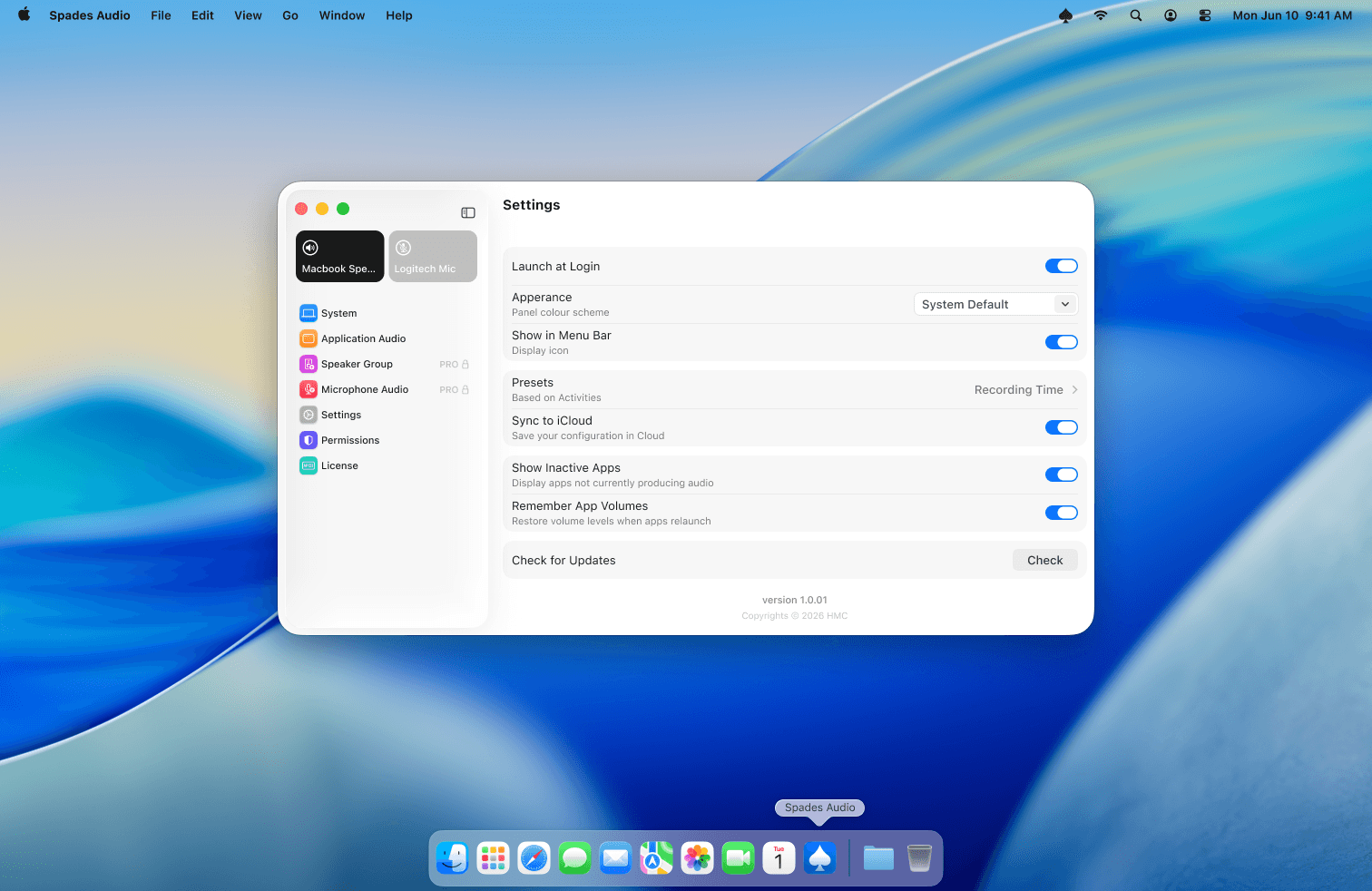
Click Settings in the sidebar of the main Spades Audio window. Here you'll find all app preferences in one place.
2.Key settings
Launch at Login starts Spades Audio automatically when you turn on your Mac. Appearance lets you match the system theme or force light or dark mode. Restore App Volumes remembers your per-app levels between app restarts. Use Profile Export to save your full configuration as a JSON backup.
3.Presets
Presets save a snapshot of all your volume levels and device assignments. Use activity-based presets to quickly switch between setups — for example, "Work" with Teams mic boosted and Music quiet, or "Evening" with everything routed to your living room HomePod.
Tips
- Enable Show Inactive Apps if you want to see and pre-configure volumes for apps that aren't currently running.
- Profile Export is available under Settings → General.